GTM tag installation verification
After adding any tag to GTM you want to verify that it’s working as expected. This is done by using the GTM preview feature. This example assumes you have followed either the CookieYes or Google Analytics instructions.
Verify installation in GTM preview
-
Click “Preview” in the top right corner of GTM
-
Enter the site URL
-
Click “Connect”
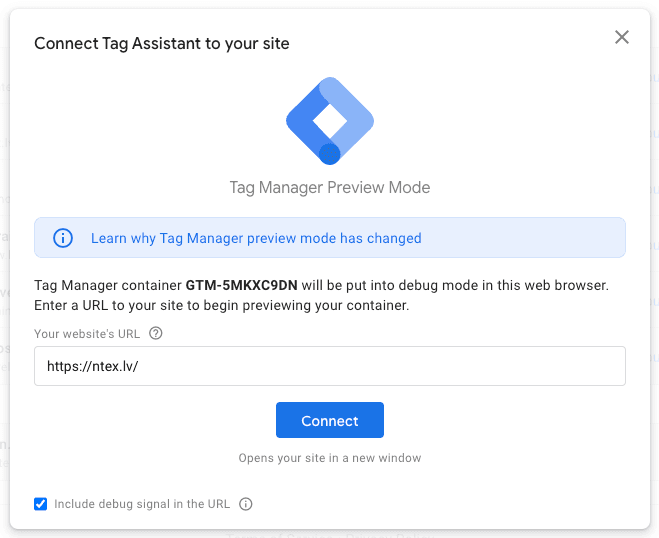
-
After slight loading the page will open in a new tab
-
Go back to the tab with GTM
-
Click “Continue”
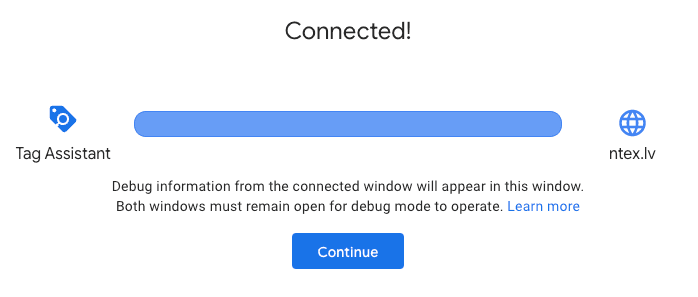
-
Now you can see which tags have fired on which event
-
For example - check “Consent Initialization” event has triggered and that “CookieYes CMP” has been triggered there
-
If you have setup GA, FB Pixel or Matomo you can check that those have been triggered properly as well, most likely undet the “cookie_consent_update” event
Done
More reading: